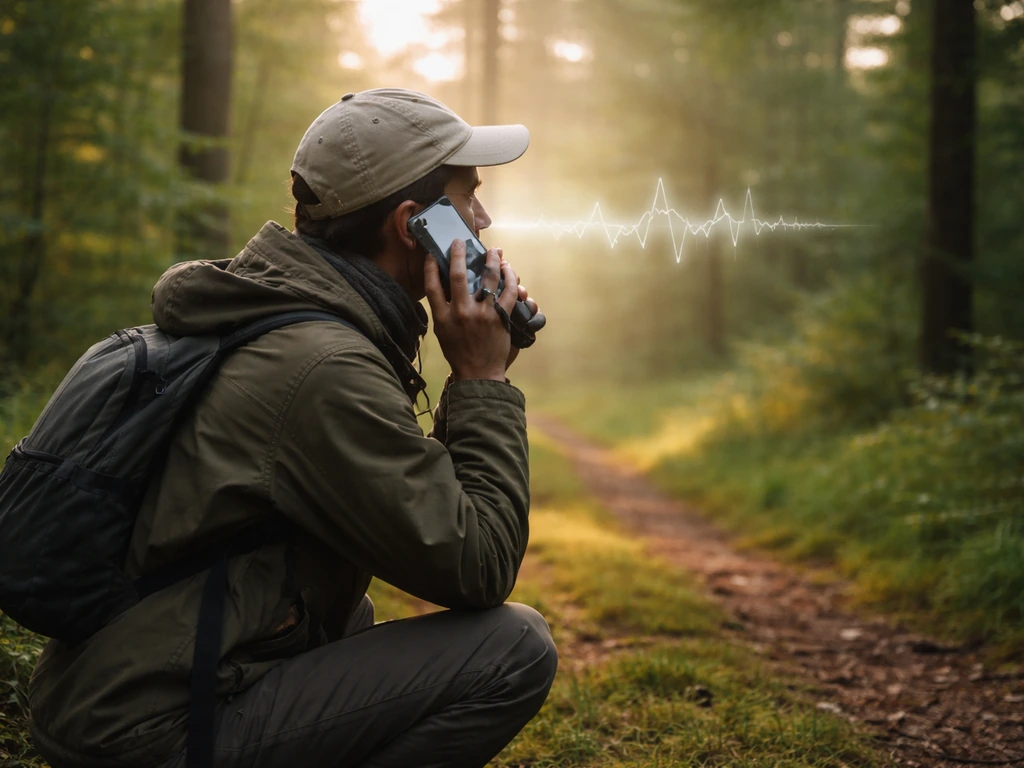
You heard a bird, you have no idea what it was, and now you want to find that sound online. Here's how to do it: describe the call in plain terms (high or low, fast or slow, repeated or random), then search a tool like Merlin Bird ID or the Macaulay Library using those descriptions plus your location and the date. That combination will get you 90% of the way there, even if you only caught a few seconds of the sound.
How to Search Bird Calls: A Step by Step Guide

Marcus Hendricks
25 Apr 2026
Pick your search method first
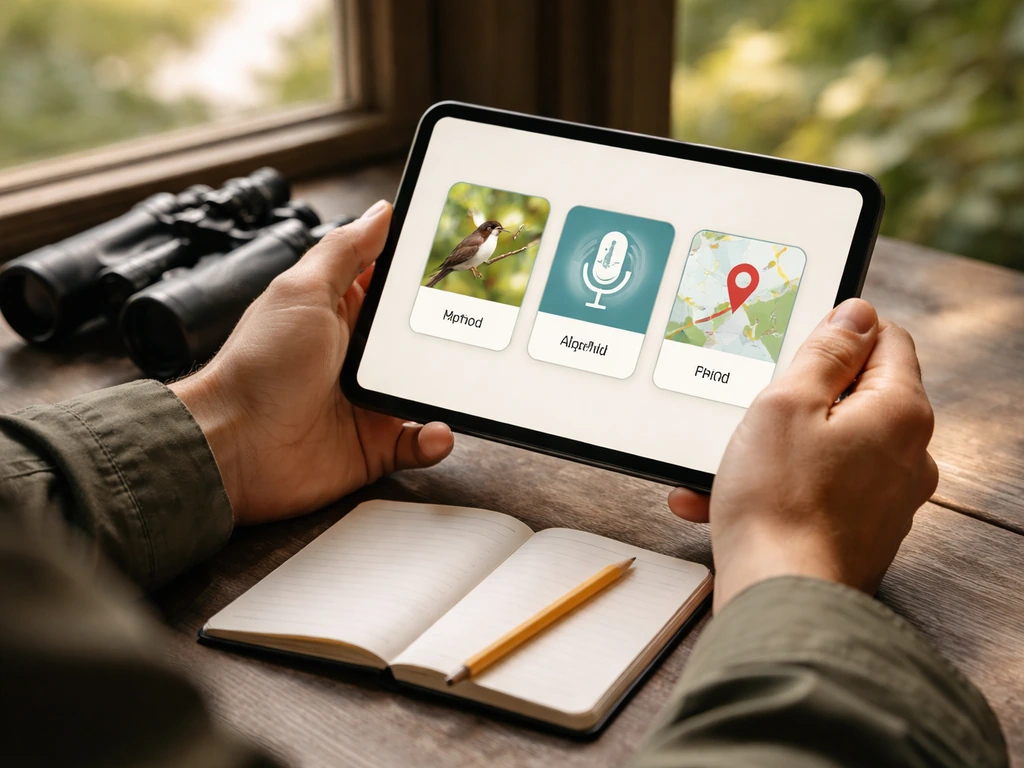
Before you open any app or website, decide which angle you're coming from. There are three main ways to search bird calls, and choosing the right one upfront saves a lot of frustrating dead ends.
Searching by species (you already have a guess)
If you saw the bird clearly enough to narrow it down, start with the species name. Type 'American Robin call' or 'White-throated Sparrow song' directly into Merlin, All About Birds, or the Macaulay Library. You'll get a list of verified recordings sorted by quality. This is the fastest path when you already have a suspect in mind.
Searching by sound (you only heard it)
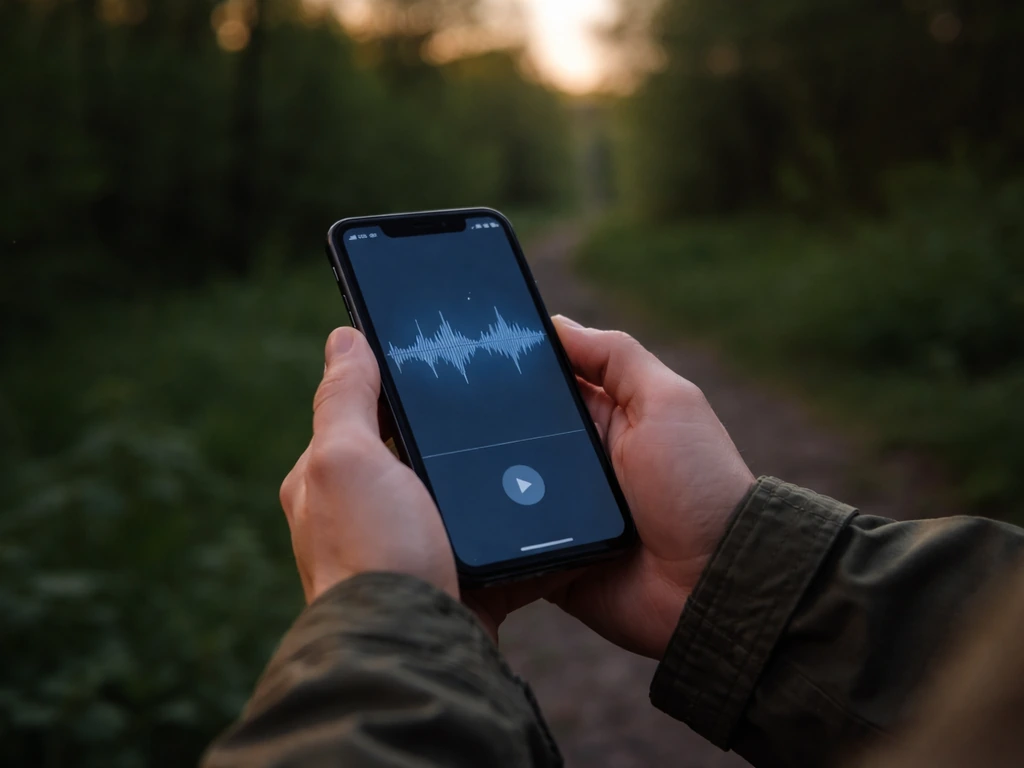
This is the most common situation and the one most people struggle with. You heard something but didn't see the bird at all. In this case you're working backwards from the sound itself, which means describing it in a way a search tool can use. Merlin's Sound ID is built exactly for this, and it works surprisingly well even for partial or distant recordings. After you can identify a call, work on practical listening skills so you can be a better birder and recognize bird songs by ear be a better birder how to identify bird songs.
Searching by location and time
If you're totally stumped on the species and can't describe the sound precisely, lean hard on context. Most databases let you filter by region and season. Narrowing a search to 'backyard birds in the Pacific Northwest in April' immediately cuts hundreds of species off the list. Time of day matters too: dawn chorus birds, nocturnal callers, and midday singers are very different groups.
Get a good handle on what you actually heard

The better you can describe the call, the better your results will be. Spend sixty seconds thinking through these details before you search.
Listen back (or replay it in your head)
If you recorded it on your phone, great. If not, close your eyes and replay what you remember. Focus on pitch (high, medium, or low), speed (quick burst or slow drawl), and pattern (did it repeat the same phrase over and over, or was it more variable?). One thing beginners often miss: was it a 'song' or a 'call'? Cornell Lab's All About Birds draws a clear distinction here. A song is longer, more complex, and usually tied to attracting a mate or defending territory. A call is shorter and simpler, used to stay in contact with other birds or sound an alarm. Knowing which one you heard helps you search the right category.
Write down your description
Seriously, write it down before you start clicking around. Something like: 'three short whistles, descending, medium pitch, heard at 7am in oak trees' is far more useful than trying to remember details while you're browsing recordings. This description becomes your search query.
Compare to similar sounds you already know
Anchor your description to something familiar. Did it sound like a squeaky toy? A flute? A buzzy insect? Was it similar to a robin but higher? These comparisons feel silly but they are genuinely useful when you get to the search stage, especially for phonetic searches.
The best places to search bird calls online
There are a handful of solid resources, and each one has a slightly different strength. Here's how they line up.
| Resource | Best for | Key feature |
|---|---|---|
| Merlin Bird ID (app) | Real-time sound identification | Sound ID listens live and suggests species on the spot |
| Macaulay Library | Browsing verified recordings by species, region, or behavior | Massive searchable database with audio, photo, and video filters |
| All About Birds (allaboutbirds.org) | Learning calls for a specific species you already know | Beginner-friendly explanations plus multiple recordings per species |
| Xeno-canto | Global species or regional sound browsing | Huge volunteer-contributed archive, sortable by country and quality |
| YouTube | Hearing calls in natural context or finding 'what bird makes this sound' content | Community uploads, often with visual ID help in the video |
| iNaturalist / community forums | Stumped cases where you need a human second opinion | Experts and enthusiasts crowdsource difficult IDs |
For most beginners, Merlin plus the Macaulay Library covers almost every situation. Merlin is the app you use in the field or right after, and the Macaulay Library is where you go to dig deeper, compare recordings, or verify a match.
How to actually search effectively
Getting useful results depends on how you phrase and filter your search. Here are the tactics that actually work.
Use descriptive keywords, not just species names
On YouTube and Google, try searches like 'bird call three notes descending whistle Eastern US' or 'what bird sounds like a squeaky wheel in spring.' These pull up videos and forum threads written by people who were in exactly your situation. It feels imprecise, but it works remarkably often.
Use phonetic approximations
Birders have been writing out bird sounds phonetically for over a century. 'Fee-bee,' 'old-sam-peabody,' 'drink-your-teeeea' are all real examples from field guides. If you search 'bird that says cheer-up cheerily' you'll quickly land on American Robin. Try typing out what you heard, even clumsily, and add 'bird sound' or 'bird call' after it. Xeno-canto and All About Birds include these phonetic descriptions in their records.
Apply location and time filters
In the Macaulay Library's Media Search, use the green search mode button to filter by Region or Hotspot, then toggle the audio icon (speaker) to show only sound recordings. This cuts results dramatically and makes comparisons much faster. In Merlin, location is built into every search automatically once you've set your region, which is one reason it's so accurate.
Search by bird group when you're unsure of species
If your description sounds like a woodpecker drumming or a shorebird piping but you don't know the exact species, search the group first. 'Woodpecker calls North America' or 'sparrow songs Ohio' narrows the field without requiring you to already know the answer. From there you can browse and listen until something matches.
Using your own field recordings to find a match
If you recorded the bird on your phone, you have a real advantage. Here's how to make the most of it.
Run it through Merlin Sound ID
Open Merlin, tap 'Sound ID,' and either record live or play your existing recording near the phone's microphone. Merlin will suggest species in real time as it detects sounds. It handles background noise pretty well, but the cleaner your recording, the better. If you're playing it back, go somewhere quiet, turn the volume up, and hold the phone close. When you tap Save in the Sound ID screen, the recording is stored in your Sound ID Sessions on your device. It stays private there unless you choose to upload it.
Compare your recording to database clips
Find the suggested species in the Macaulay Library and listen to several recordings, not just the top result. Recordings vary by region, age of bird, and time of year. Listen for the same rhythm and pattern, not just overall tone. A young bird or a bird giving an alarm call can sound quite different from the 'textbook' version of its song.
When the match doesn't seem right
This happens a lot, especially at first. If Merlin's suggestion doesn't match what you remember, try these fixes: re-describe the call focusing on a different feature (rhythm instead of pitch, for example), search a related species or family group, or check whether the bird you're looking at is even common in your area at this time of year. Rarity filters in eBird can tell you quickly whether a species is actually expected where you are.
Verify your match and build a reference list you'll actually use
Finding a possible match is step one. Confirming it and remembering it later is where most beginners drop the ball. Here's how to close the loop properly.
Cross-check your ID with multiple sources
Once Merlin or a database gives you a candidate species, check it on at least one other platform. Look it up on All About Birds, read the description, and listen to multiple recordings on Macaulay Library. If three independent sources all produce calls that match your memory or recording, you've got a solid ID. If one source sounds off, keep looking.
Upload your recording to contribute to the community
If you recorded the bird and logged it in an eBird checklist, uploading your audio attaches it permanently to the Macaulay Library archive. It gets preserved for researchers and helps improve Merlin's Sound ID over time. If your sighting is of an uncommon or rare bird, including the recording makes your report far more credible.
Save your favorites and build a personal reference list
Merlin lets you save species to a personal list so you can pull up their sounds quickly next time without searching from scratch. Outside the app, keep a simple running note (a phone note or a spreadsheet works fine) of birds you've identified, a one-line description of their call, and where and when you heard them. Over time this becomes your own field guide, tuned to your local area and the birds you actually encounter. It sounds like extra work, but after a few sessions it speeds up every future search dramatically.
Keep going deeper
Searching for bird calls is a skill that genuinely improves with practice. Once you've got the basic workflow down, the natural next steps are <a data-article-id="2824E635-1DDE-43DC-A47C-5E553CD05726">learning to memorize the calls</a> you identify most often and training your ear to recognize them without tools. The more you listen actively during field sessions, rather than just recording passively, the faster your recognition gets. Connecting sounds to real birds you've seen cements the memory in a way that no app can replicate on its own.
FAQ
What should I do if the bird call sounds like multiple species at once?
Search for the loudest or clearest segment first, then repeat the process for the other phases. If your recording includes distinct starts and stops, split it into 5 to 10 second chunks and run each chunk through Sound ID or your search query separately, because mixing phrases often produces a misleading single-species match.
How can I tell whether I heard a bird call or a bird song when I am not sure?
Use search keywords that describe length and structure. If it was short, repeated, and seemed to punctuate other activity, start with “call.” If it had a longer sequence with multiple notes and a more elaborate pattern, start with “song,” even if you are guessing, then compare results and refine after listening to several recordings.
Does the time of year or time of day matter if I only know the location?
Yes. Many species have seasonal breeding calls and nonbreeding “contact” calls, and some are mostly heard at dawn or at night. If you are unsure, try two searches, one with “spring” and one with “fall,” and also include “dawn” or “night” in a YouTube or phonetic search to reduce the list quickly.
What if I do not know my exact location, only a region?
Use the broadest region you can reliably name, then narrow in later. In Macaulay Library, use Region or Hotspot, and in Merlin set your best guess for the nearest city or county. If the results are still wide, cross-check with eBird rarity expectations to see what is plausible for your approximate area and season.
How should I write the pitch and rhythm if I am an absolute beginner?
Pick simple anchors instead of fine distinctions. For pitch, choose “high, medium, low” only. For rhythm, use terms like “quick bursts,” “slow drawl,” “three notes,” “rapid trill,” or “repeated phrase.” If you can, add one measurable detail like “about one phrase every 3 seconds,” that tends to improve matching.
Will humming, whistling, or “sound like a flute” queries actually work?
Often, yes, if you keep them specific and add tempo or note pattern. Instead of only “sounded like a flute,” include something like “flute-like, 2-note whistle, descending, quick,” or add the season and region, because generic comparisons pull in too many unrelated clips.
How do I avoid getting stuck on the top result from Sound ID or a database?
Treat the first match as a starting hypothesis, not the answer. Listen to multiple recordings for the suggested species, then try a “related group” search (example: same family, same type of bird) if the rhythm or the key note pattern does not line up with your memory.
What is the best way to confirm an ID when I only have memory and no recording?
Confirm by cross-checking three independent clues: the call type (song versus call), the pattern (repeated versus variable), and plausibility (region and season). If two sources disagree or neither fits your timing, go back and rewrite the query using one different feature, usually rhythm first, then pitch.
If I recorded the audio, how can I improve results with a “playback” recording?
Record in a quiet spot if possible, turn the phone volume up, and keep the phone close to the speaker or the playback device. If background noise is heavy, try a second take later when traffic or wind is lower, cleaner audio often changes the top match in Sound ID.
When should I upload my audio to a database like the Macaulay Library?
Upload when you have a credible candidate species, especially if it is uncommon where you live. It helps verification and future improvements, but if your recording is extremely noisy or only contains a vague snippet, consider re-recording before uploading so the archive benefits from usable material.
What common mistake leads to poor search results even when my description is “close”?
Using only tone descriptors, for example “sounds like a robin,” without adding timing and structure. Add pattern details like number of notes, whether it descends or ascends, and whether it repeats the same phrase, because search tools and phonetic listings match those features more reliably than general comparisons.
Next Article
How to Figure Out Bird Calls: A Step-by-Step Method
Step-by-step method to identify bird calls by documenting sound, spotting pitch rhythm patterns, using context, and conf