You can record surprisingly clean bird sounds with just your iPhone using the built-in Voice Memos app, but a few simple adjustments to your settings, position, and timing make the difference between a muddy clip you can barely identify and a recording you're actually proud of. Here's exactly how to do it, from setup to saving.
How to Record Bird Sounds on iPhone Step by Step
Marcus Hendricks
26 Apr 2026
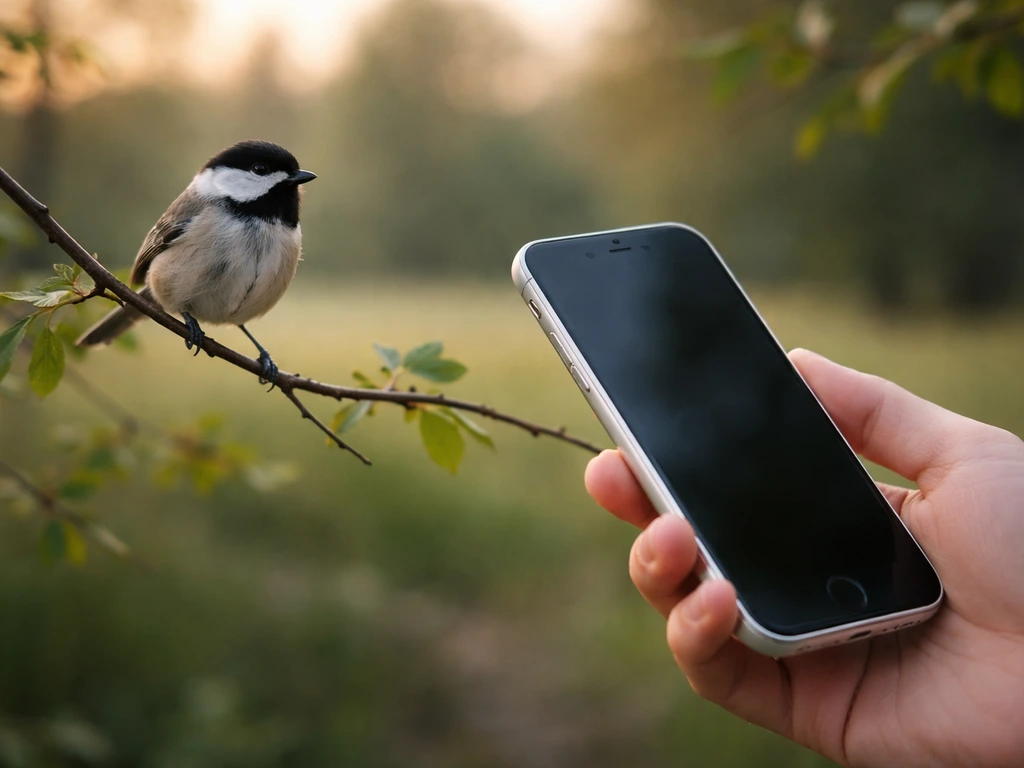
Best iPhone setup for bird sound recording
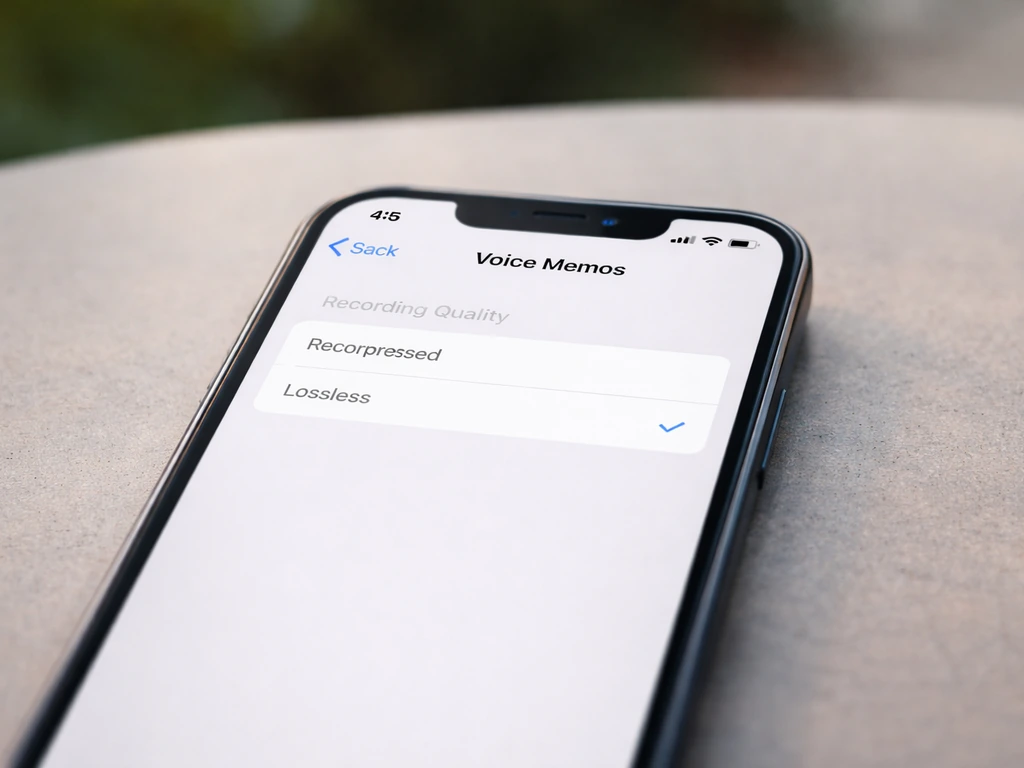
Before you even step outside, spend two minutes tweaking your iPhone so it's ready to capture clean audio. The biggest one: set Voice Memos to record in Lossless quality. By default it records in Compressed (AAC) format, which is fine for voice notes but throws away detail you'll want for bird sounds. Go to Settings, scroll down to Voice Memos, tap Audio Quality, and switch it from Compressed to Lossless. That's it. Your files will be larger, but the quality jump is worth it if you ever want to share or use these recordings for identification.
While you're in Settings, also check if Location-based Naming is on under Voice Memos settings. When it's enabled, your recordings automatically get named after wherever you are when you hit record. That's a genuinely useful organizing shortcut in the field, especially when you're recording in multiple spots during a morning walk.
If you have an iPhone 16, 16 Pro, or 16 Pro Max, your device can record in Spatial Audio or Stereo when you're capturing video. That mode also includes automatic wind noise reduction. Worth knowing, but for most bird recording you'll still want Voice Memos because video files are huge and unnecessary when you just need the audio.
Using iPhone apps to record (Voice Memos or alternatives)
Voice Memos is the best starting point for most people. Open the app, tap the red button, and you're recording. Watch for the orange dot that appears at the top of your screen near the battery indicator. That dot confirms your microphone is actively in use. It sounds like a small thing, but in the field it's easy to think you're recording when you're actually not, so that little dot is genuinely reassuring.
When you're done, tap the stop button. Voice Memos saves everything automatically, labels it with the time or location (if you have location naming on), and keeps it right in the app. That's the full beginner workflow and it works well.
If you want more control or plan to share recordings for identification purposes, a couple of third-party apps are worth knowing about:
- Just Press Record: A one-tap app designed for fast recording. It's beginner-friendly and supports WAV, AIFF, and M4A export formats. WAV files are uncompressed and work with most bird identification and audio analysis tools without any conversion.
- Auphonic Recorder: More technical, but useful if you want to disable iOS's automatic audio processing to capture a raw signal. It shows a waveform with peak level indicators so you can actually see if your audio is clipping (distorting) in real time. It also lets you select which iPhone microphone to use if you have an external mic attached.
- Filmic Pro: Mainly a video app, but it has manual audio gain controls and supports external microphones. Overkill for casual recording, but useful if you start using an external shotgun mic and want to dial in your levels.
For most beginners, Voice Memos with Lossless quality turned on is genuinely all you need. Graduate to Just Press Record if you want WAV output, or Auphonic Recorder if you want to see what your audio is doing in real time.
Field techniques for cleaner bird songs (distance, mic placement, timing)
This is where most people go wrong, and honestly where I went wrong for a long time too. Your iPhone's built-in microphones are omni-directional, meaning they pick up sound from all directions equally. That's great for voice calls and terrible for isolating one bird singing 30 feet away with traffic noise behind you. You can't change the physics, but you can use technique to work around it.
Get closer than you think you need to
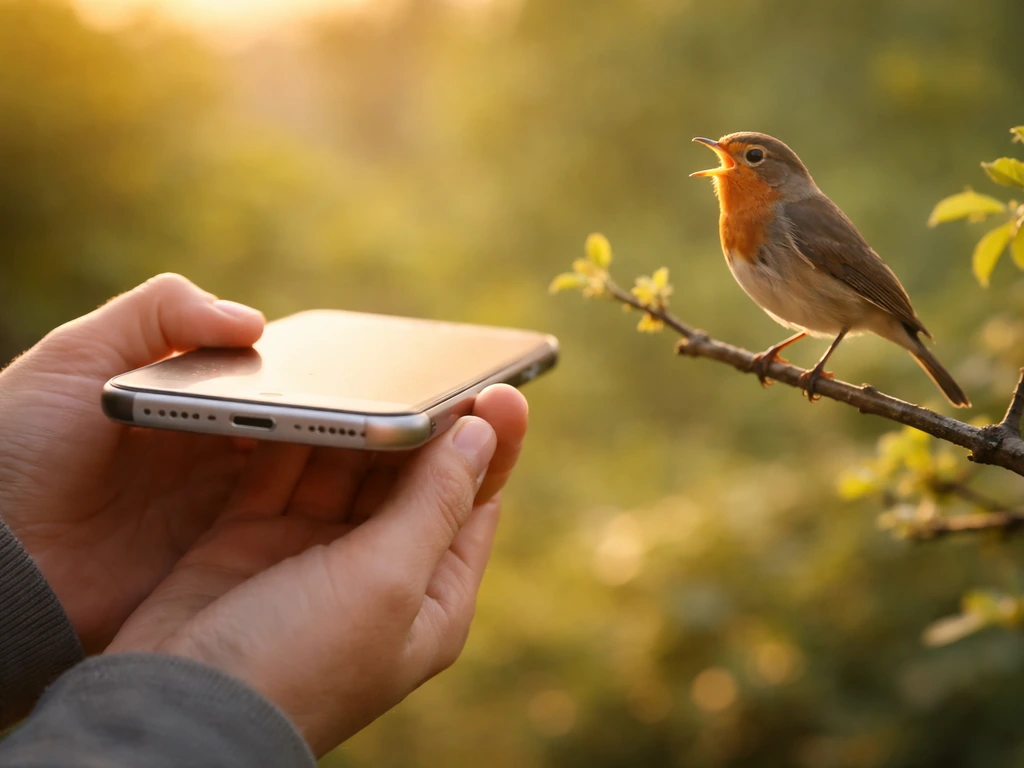
This is the single most impactful thing you can do. Cutting your distance to the bird in half adds about 6 dB of signal strength to your recording. In practice, that means moving from 30 feet away to 15 feet away makes the bird sound twice as loud relative to background noise. Keep halving the distance when you can. Get within 10 to 15 feet of the bird if the situation allows. Move slowly, avoid sudden movements, and approach from downwind so you don't spook the bird.
Point the mic toward the bird
On most iPhones, the primary microphone is at the bottom of the phone. Hold your iPhone with the bottom edge facing the bird as much as possible. Some people hold it like they're using a walkie-talkie, bottom edge pointing forward. It feels awkward at first but it genuinely helps. Avoid pressing the phone against your hand or body in a way that muffles the mic port.
Time it right
Early morning, roughly the first hour or two after sunrise, is when bird activity peaks. Wind is also typically calmer at dawn, which is a double benefit. Avoid recording on breezy afternoons if you can help it. Less wind means less noise interference, and more bird vocalizations means more chances to capture something good. The first days of spring and early summer are prime time because birds are singing to establish territory and attract mates. If you're just practicing, any calm morning works.
Find a quiet spot
Step away from roads, paths with foot traffic, and running water when you can. Background noise competes directly with bird song in your recording. A bird singing clearly from a branch 20 feet away still sounds great if the environment is quiet. That same bird sounds buried if there's a lawn mower running two blocks over. Parks with dense tree cover often muffle distant traffic and create a natural acoustic buffer. Get into the habitat, not just the edge of it.
Reducing wind and background noise
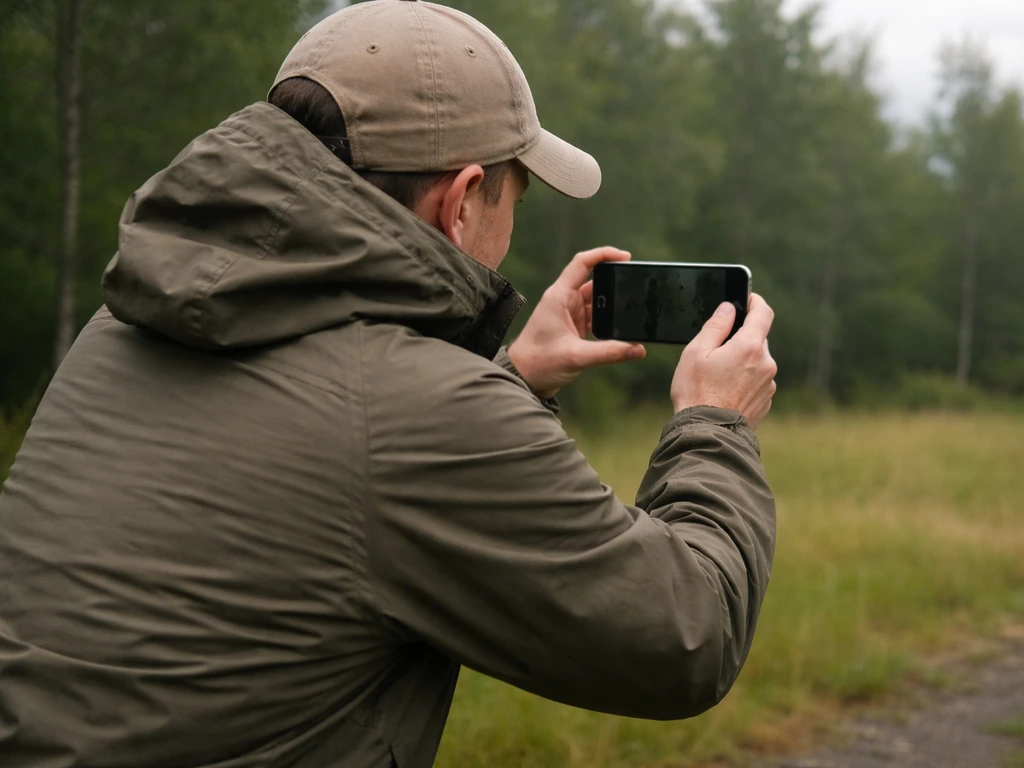
Wind is your biggest enemy when recording outside. Even a light breeze blowing directly across the iPhone's mic ports creates a low rumbling noise that can completely mask bird calls. Here's how to deal with it:
- Use your body as a windbreak. Stand with your back to the wind and hold the phone in front of you, slightly sheltered. Your own body blocks a surprising amount of wind from hitting the mic.
- Cup your hand loosely around the base of the phone (not covering the mic port tightly, just creating a partial shield). This creates a small pocket of still air near the mic.
- If you're recording video instead of Voice Memos, check Settings > Camera > Record Sound and toggle Wind Noise Reduction on. This applies audio processing to reduce low-frequency wind rumble in real time.
- On iPhone 16 and later, wind noise reduction kicks in automatically when you're recording video in Stereo or Spatial Audio mode, so no manual toggle needed.
- Avoid recording when wind speed feels consistent or gusty. A calm 20-minute window is worth waiting for.
For background noise from traffic or other birds, your best tools are distance (get closer to your target bird), timing (quieter hours), and location (deeper into habitat away from noise sources). If you're using a third-party app like Auphonic Recorder, you can watch the waveform in real time and see exactly when background noise is spiking. That visual feedback helps you decide when to pause and when to keep recording.
Checking, saving, and organizing your recordings
Do a quick playback check immediately after recording, while you're still in the field. Put in one earbud, tap the recording, and listen for 10 to 15 seconds. You'll immediately know if wind wrecked it, if the bird was too far away, or if a car drove by at exactly the wrong moment. If the recording is no good, you can try again while you're still in the same spot. This one habit saves a lot of frustration later.
Labeling and organizing
Voice Memos saves files with a timestamp or location name automatically. After listening back, rename the recording right away while your memory is fresh. Tap the recording name, type something like 'American Robin, Riverside Park, April 26 AM' and save it. This takes ten seconds and makes your library actually usable three months from now.
If you use Just Press Record or Auphonic Recorder, both apps let you export audio files to your Files app or share directly to cloud storage. Create a folder called something like 'Bird Recordings 2026' and drop everything in there. Simple is fine. The goal is just to not lose recordings by letting them get buried in an unnamed list.
Trimming your recordings
Most of your recordings will have a chunk of silence or noise at the beginning before the bird started calling, and maybe another chunk at the end after it stopped. Voice Memos has a built-in trim tool. Tap the three-dot menu on any recording, tap Edit Recording, and you'll see a waveform with yellow trim handles at each end. Drag those handles inward to cut the dead parts. Tap Save when done. This makes recordings much easier to review and share, and if you're using them for identification, a clean clip gives identification apps a better signal to work with.
Optional upgrades (external mics and accessories) and when they actually matter
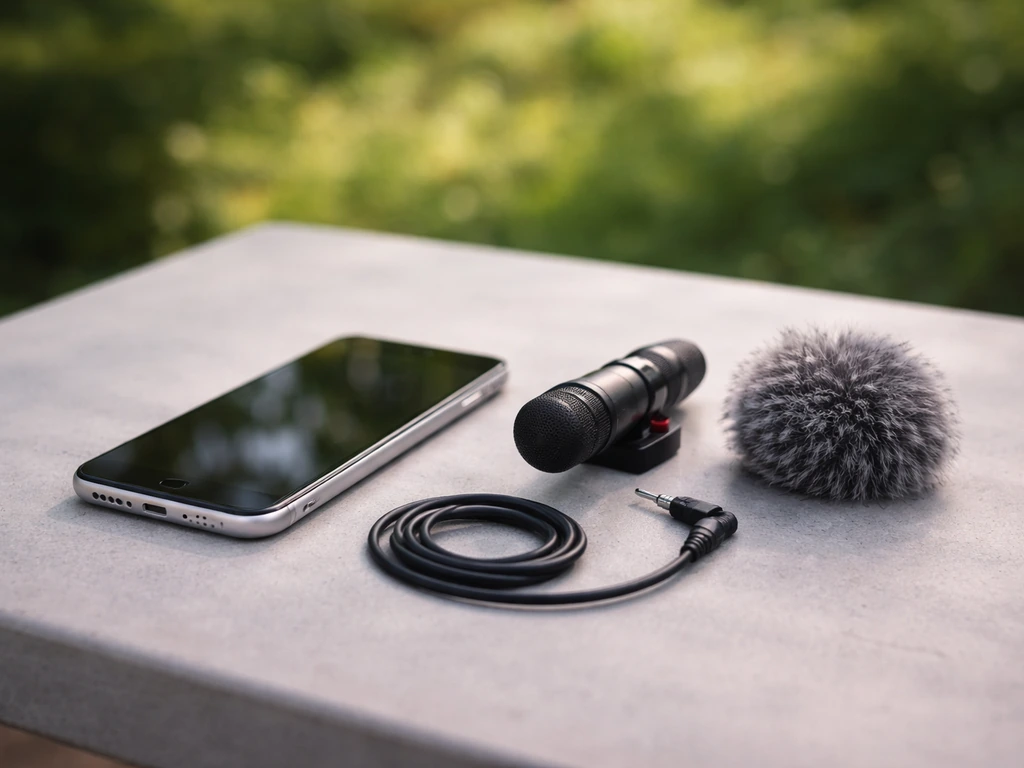
Your built-in iPhone mic is genuinely capable for casual recording and short distances. But there are real limitations once you want to record birds that won't come close, or when you're in a noisy environment and need to isolate a single species from a busy soundscape. That's when external gear starts to make a difference.
| Accessory | What it does | Best for | Approximate cost |
|---|---|---|---|
| Foam windscreen for lightning/USB-C mic port | Reduces wind noise on a clip-on mic | Light wind conditions on a budget | $5-$15 |
| Rode VideoMicro or similar shotgun mic | Directional pickup that rejects side and rear noise | Recording birds 10-30 feet away in moderate backgrounds | $60-$100 |
| Parabolic reflector + mic combo | Focuses sound from a narrow direction, dramatically increases range | Recording distant birds (30+ feet) or isolating one bird in a busy dawn chorus | $80-$300+ |
| External USB-C audio interface + XLR mic | Professional-grade input with gain control, works with apps like Filmic Pro or Auphonic | Serious field recording and shareable reference recordings | $100-$300+ |
A directional shotgun mic is the most practical first upgrade for most people. It plugs into your iPhone's lightning or USB-C port (depending on your model) and narrows the pickup pattern so your phone hears mostly what's in front of it. That alone cuts a huge amount of background noise. Cornell Lab's All About Birds confirms that directional mics, including shotgun and parabolic types, are the standard approach for pulling one bird's song out of a busy sonic environment.
If you go the external mic route, a foam or furry windscreen on the mic head is non-negotiable for outdoor use. These slip over the mic capsule and dramatically reduce wind buffeting. They're cheap (under $15 for most), and the difference on a breezy day is massive. Shotgun mics without a windscreen in any outdoor breeze will pick up more wind rumble than bird song.
For most beginners, though, skip the gear for now. Go out with your iPhone and Voice Memos set to Lossless, work on getting close to birds, time your outings for calm mornings, and see what you capture. If you want to capture your own recordings more confidently, learning how to imitate bird sounds can also help you get birds to respond Voice Memos set to Lossless. You might be surprised how good the results are.
Once you've done that a few times and you find yourself frustrated by a specific limitation (birds too far, wind too bad, background too loud), that's the right time to think about adding a mic. Upgrading gear before you've mastered technique is a classic way to spend money without getting better recordings.
If you want to go deeper into making and learning bird vocalizations yourself, or understanding bird calls from the other direction, it's worth exploring tutorials on how to imitate bird sounds and bird call techniques alongside your recording practice. A focused bird call tutorial can help you practice the right timing and pitch so your recordings and attempts improve together.
If you're aiming for identification, having a clear audio capture also pairs well with learning how to imitate bird sounds and practices for bird call techniques. And if you're new to capturing audio in general, a broader guide on how to record bird sounds covers the workflow across different devices if you're ever recording without your phone.
If you want to make your bird recordings sound like the bird is reading aloud, focus on clean clips first and then play them back at the right level make a bird read aloud.
FAQ
Why do my Voice Memos recordings sometimes sound different in another app or after sharing?
Voice Memos Lossless is recorded as Apple’s lossless format, so you may not be able to open it directly in every third-party app. If an identification app or editor needs WAV, export with a third-party recorder (like Just Press Record) or use a converter after exporting to Files, then keep a copy of the original so you do not lose quality.
How can I avoid recording long stretches of silence before the bird starts?
Yes, you can reduce how much silence makes it into your file by starting the recording slightly before you expect singing (for example, while you hear the first calls or right after you stop moving). You can also trim the start and end using the built-in waveform editor so you keep the bird vocalization and cut the dead air.
What should I do if my recordings have constant rumbling or wind noise?
If you are getting frequent low rumble, check whether the wind is blowing across the mic ports. Try lowering your wind exposure by turning your body so the breeze hits the back of the phone, add a foam or furry windscreen if you upgrade, and stop recording during gusts instead of letting the whole clip capture wind.
The bird is too far away, how can I improve clarity without buying gear?
If the bird is far away, moving closer is the first fix, but you can also reduce distractions by picking a spot where there is less reflective noise (avoid open plazas and keep away from large hard surfaces). If the bird calls intermittently, record multiple short clips rather than one long session, then trim to the best segments later.
Does holding the iPhone a certain way really change the audio?
If you hold the phone with the bottom mic edge toward the bird, you reduce unwanted pickup from behind. Also keep your hands relaxed and avoid covering the bottom edge with fingers or palms, since that can muffle higher frequencies and make the bird sound dull.
Could my phone settings or other apps affect the bird sound recording quality?
Turn off any background audio sources that could compete with your recording, including playback from earbuds. Also avoid using cellular signal boosters or noisy screen-recording apps at the same time, since background processes can add interference or limit resources.
What’s a good naming method if I want to use recordings for later identification or learning?
Location-based naming helps, but it is not a substitute for species and behavior context. After playback, add manual notes in the file name or a note, such as species guess, distance estimate (near, mid, far), and whether you were downwind, then you will remember what you did later.
How do I know during the field whether a recording is worth keeping?
A quick one-ear playback check works, but make it consistent: listen at the same volume each time, and check both the start and a later segment (since a car might arrive in the middle). If the bird is intermittent, confirm at least one clip has clean portions before leaving the spot.
When should I pause and restart recording, instead of saving the whole take?
Ambient noise is often easier to manage by timing than by volume. Aim for calm mornings, avoid windy or high-traffic windows, and if background noise spikes during a call, pause briefly (stop then restart) so you do not have to do heavy trimming.
What can I do if the audio distorts or clips at loud moments?
If your recordings clip or sound harsh, you are likely getting the input too hot due to close range or loud nearby noise. Lower your gain is not available in Voice Memos, so the practical fix is increase distance slightly or choose a calmer spot and rely on trimming and post-processing later.
How should I export for identification apps to avoid losing quality?
Not always. If your goal is sharing for identification, ensure the app accepts the file type you export, and keep exports in a common format. When possible, export the same clip in both the original and a share-friendly format so you do not end up with a lower-quality copy only.
Next Article
How to Imitate Bird Sounds: Beginner Guide and Practice Plan
Step-by-step plan to imitate bird calls with voice or whistle, including practice routine, troubleshooting, and ethical